



A free catechism game
Pilgrim's Catechism
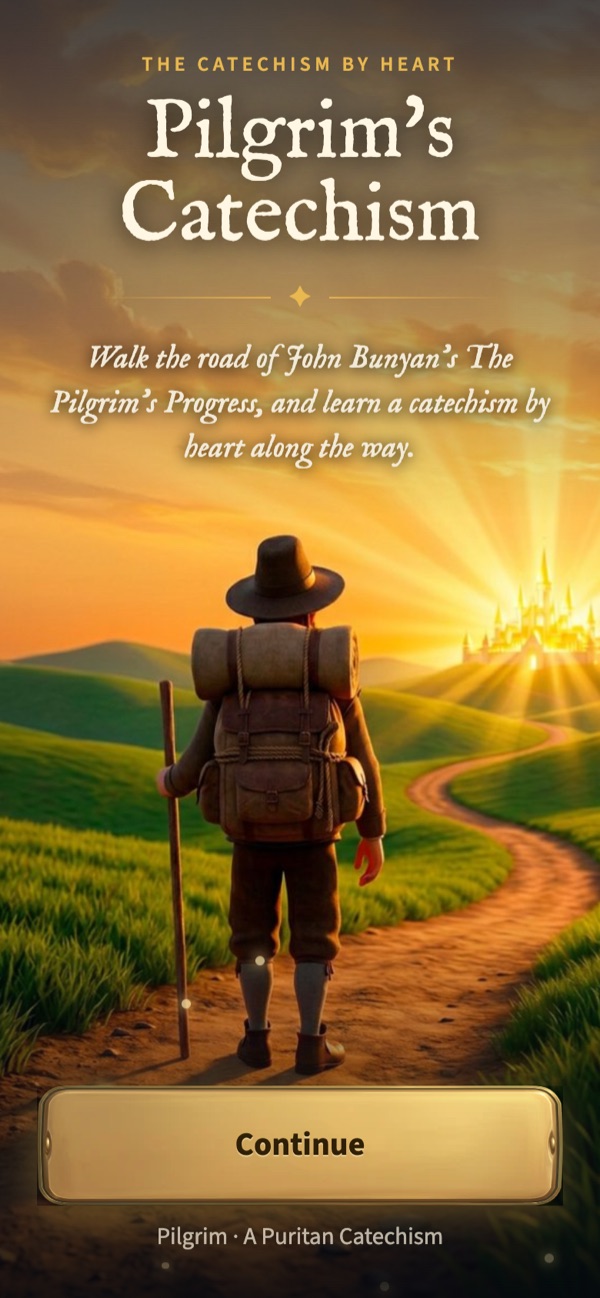
Walk the road from The Pilgrim's Progress, from the City of Destruction to the Celestial City, and learn a catechism word for word on the way.
What it is
A catechism, one stop at a time
A catechism is a set of questions and answers that walks through what the Bible teaches. Christians have used them for hundreds of years to teach their kids (and themselves) the basics of the faith.
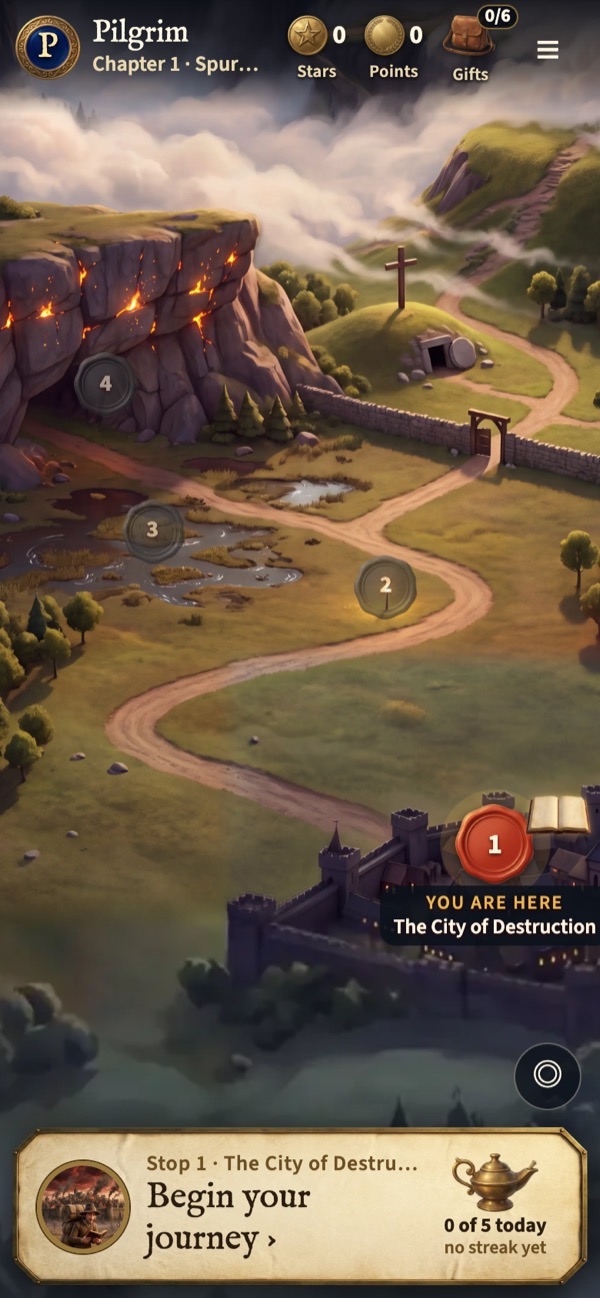
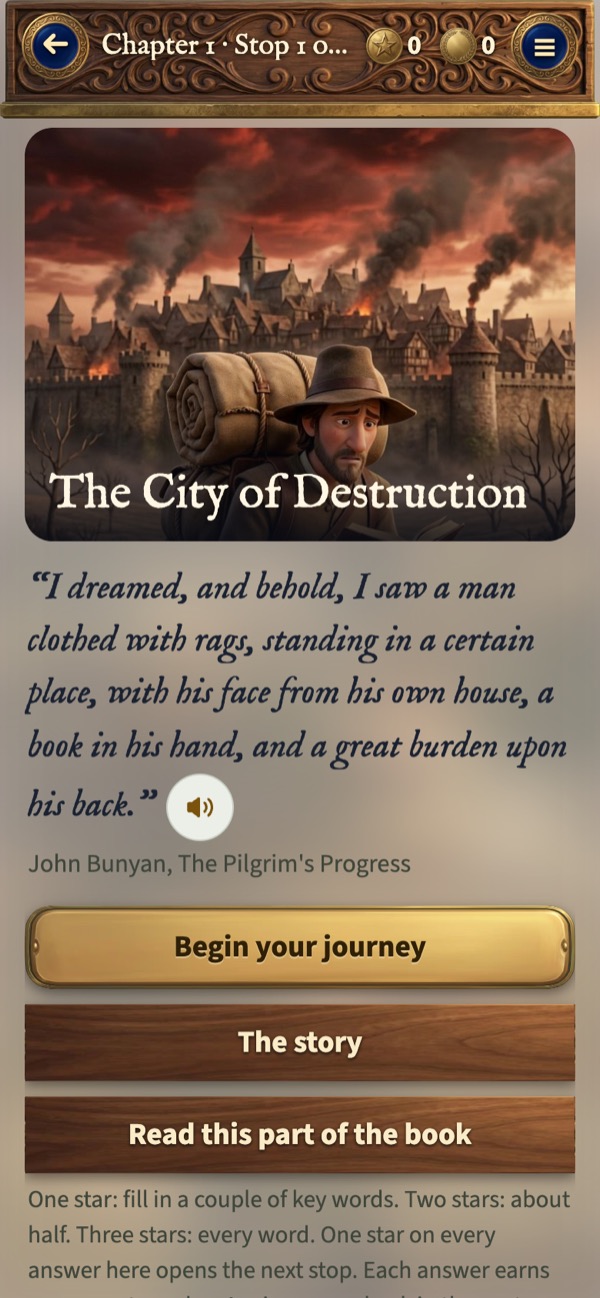
I built this so my family and my church could learn one word for word. It puts the catechism on the road from John Bunyan's The Pilgrim's Progress. Each stop on the map holds a few questions. You fill in the missing words, earn stars, and walk on. Story cards along the way tell Bunyan's story as you go. When Christian reaches the Cross and his burden falls, the game stops and offers the good news about Jesus.
The words are exact. Not one word of any catechism was changed.
Pick your catechism
Spurgeon's Puritan Catechism
Charles Spurgeon, 1855
Start here. 82 questions. Good for kids about 8 and up with a parent alongside, and for any adult starting out.
The Baptist Catechism (Keach's)
Benjamin Keach, 1690s
The catechism Baptists have taught their families for over 300 years.
The Westminster Shorter Catechism
Westminster Assembly, 1647
The one Spurgeon's and Keach's were both built from.
You pick one when you start. To switch later, tap your name at the top of the map.
Take a look
What it looks like
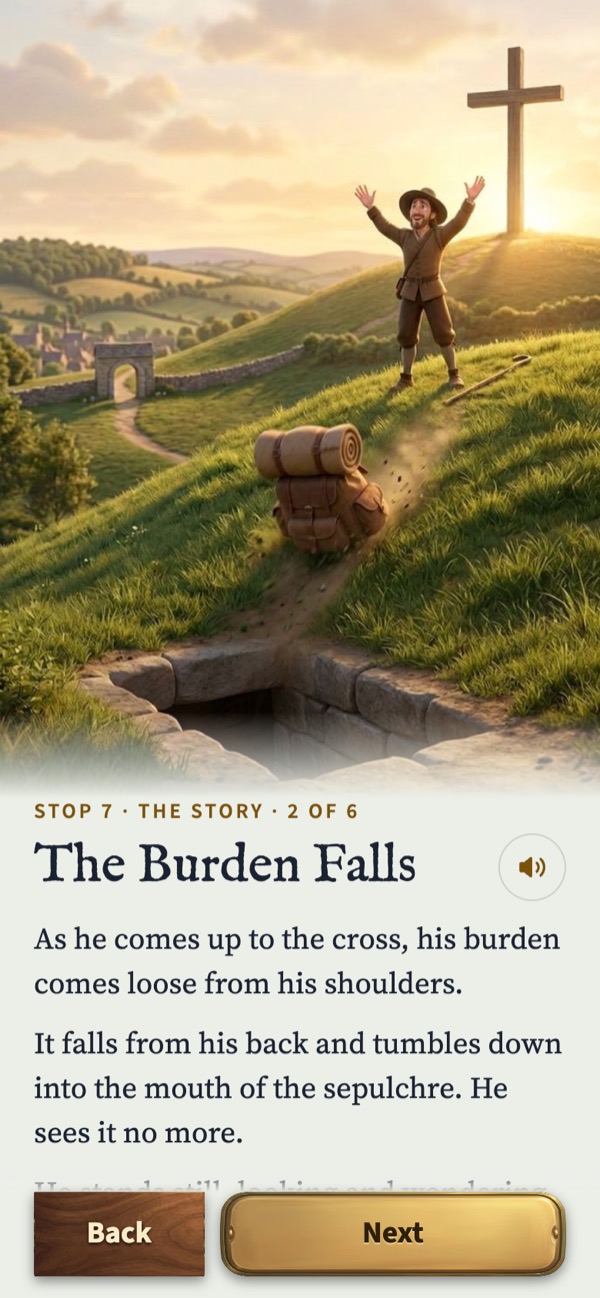
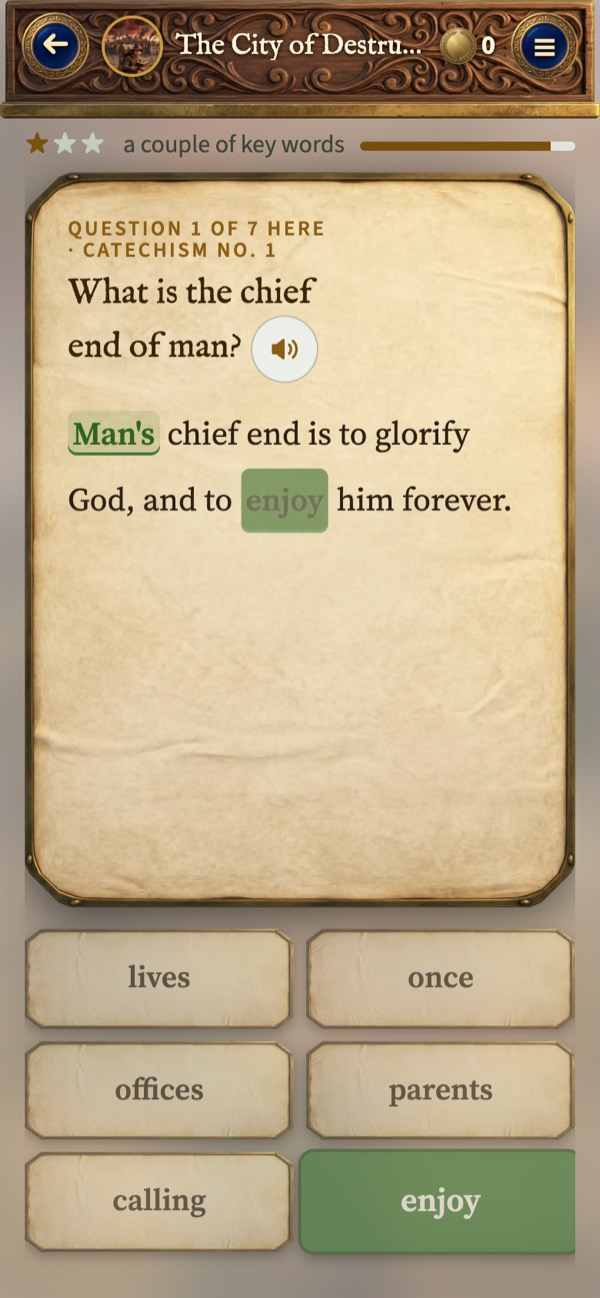
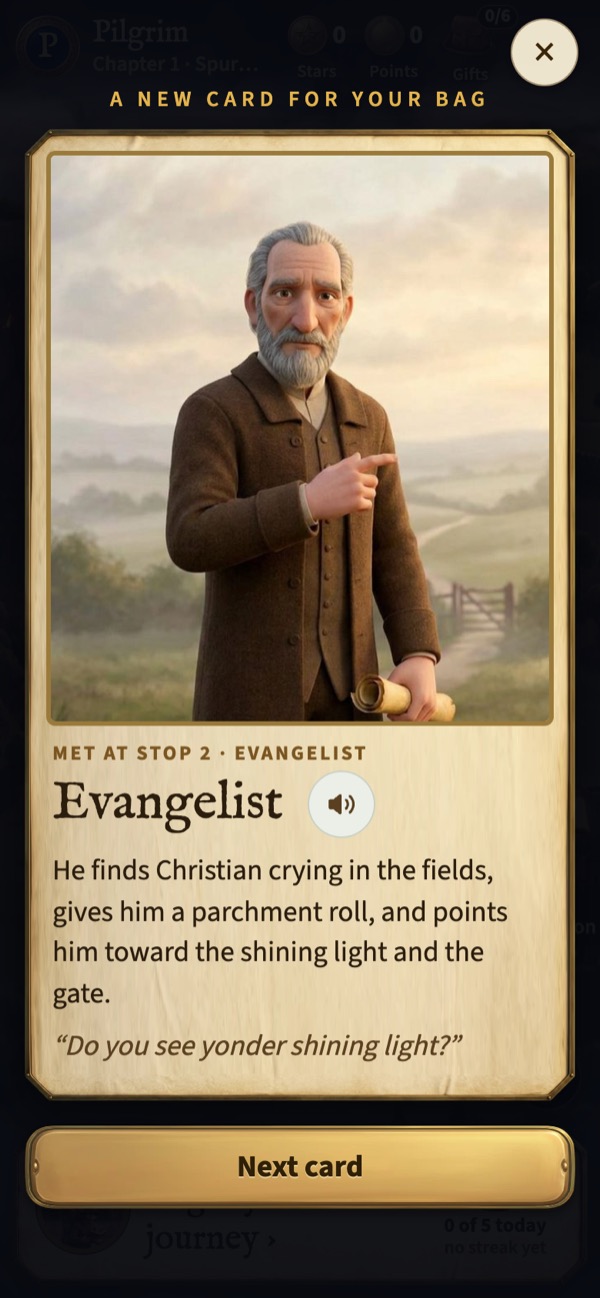
Tap, don't type
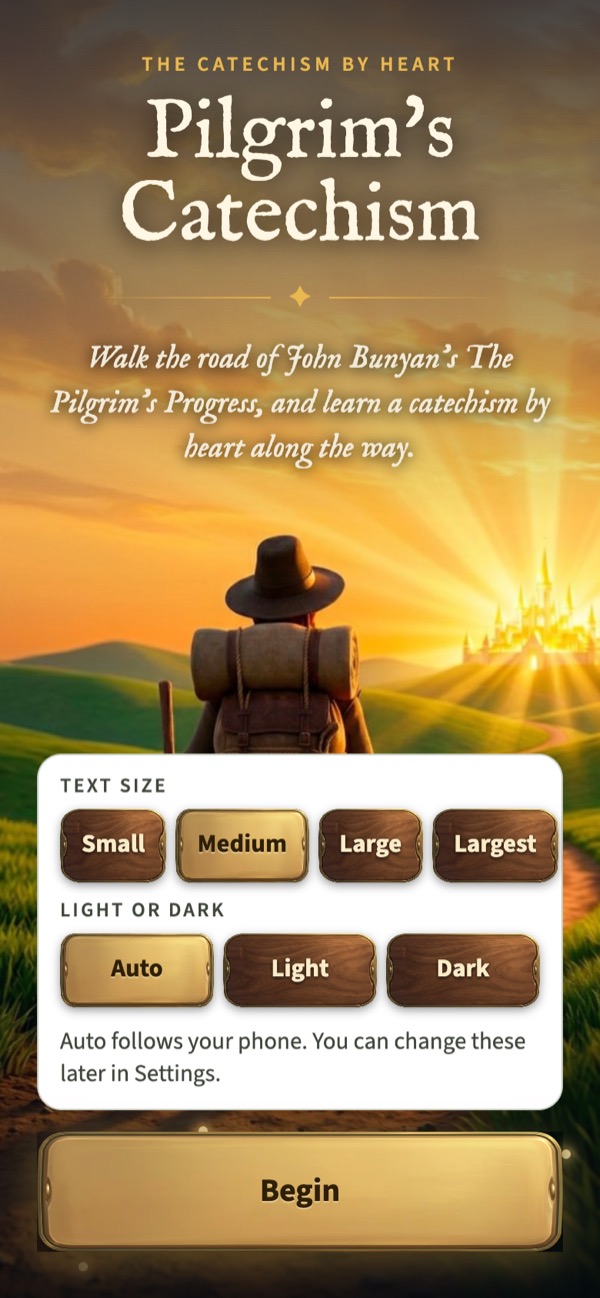
Fill in the missing words by tapping them and earn stars. As you learn, more words go missing.
Read aloud
A narrator reads the story to you, and the questions when you tap.
People of the road
Character cards for 18 people Christian meets, from Evangelist to Ignorance.
The whole book
The Pilgrim's Progress is in there to read, start to finish.
Works with no signal
Open it once with internet and it plays offline after that.
No account
No email, no password. Your first name and a 4-digit number keep your stars. A family code keeps the whole family together.
Install it
Put it on your phone
It isn't in the App Store or Google Play. It's a web app: you add it to your home screen once, and after that it opens like any other app, full screen, with its own icon.
iPhone and iPad
- Open Safari and go to monumentalgrace.com/pilgrims-catechism.
- Tap the Share button (a square with an arrow pointing up). On newer iPhones it's inside the ••• button at the bottom of the screen.
- Scroll down the list and tap Add to Home Screen.
- If you see Open as Web App, leave it on. Tap Add.
- Open Pilgrim's Catechism from the new icon on your home screen.
Using Chrome on an iPhone? Tap the Share button at the right end of the address bar, then Add to Home Screen.
Android
- Open Chrome and go to monumentalgrace.com/pilgrims-catechism.
- Tap the three dots at the top right.
- Tap Add to home screen. Some phones say Install app.
- Tap Install (or Add).
- Open Pilgrim's Catechism from your home screen or your app list.
Using Samsung Internet? Tap the menu button at the bottom, then Add page to, then Home screen.

On a computer?
Point your phone's camera at this code and it opens the game. Then follow the steps above.
Play Pilgrim's CatechismIt's still new
I'm still working on it. If something looks wrong, or a word doesn't match your catechism, tell me.